
Help Doc
How do I update my payment method?
- Analytics (5)
- Billing & Payments (7)
- EmPowerTech Care Plan (6)
- Getting Started (7)
- Google & Search (7)
- Hosting (4)
- Plugin Audit (2)
- Services (2)
- Support Stacks (3)
- User Management (4)
- WordPress (16)
- Working Together (11)
Learn how to securely update your billing information by navigating to your client dashboard. This guide will help you quickly manage your payment settings and add a new method to your account.
Portal Access
1. Navigate to https://clients.studio117creative.com
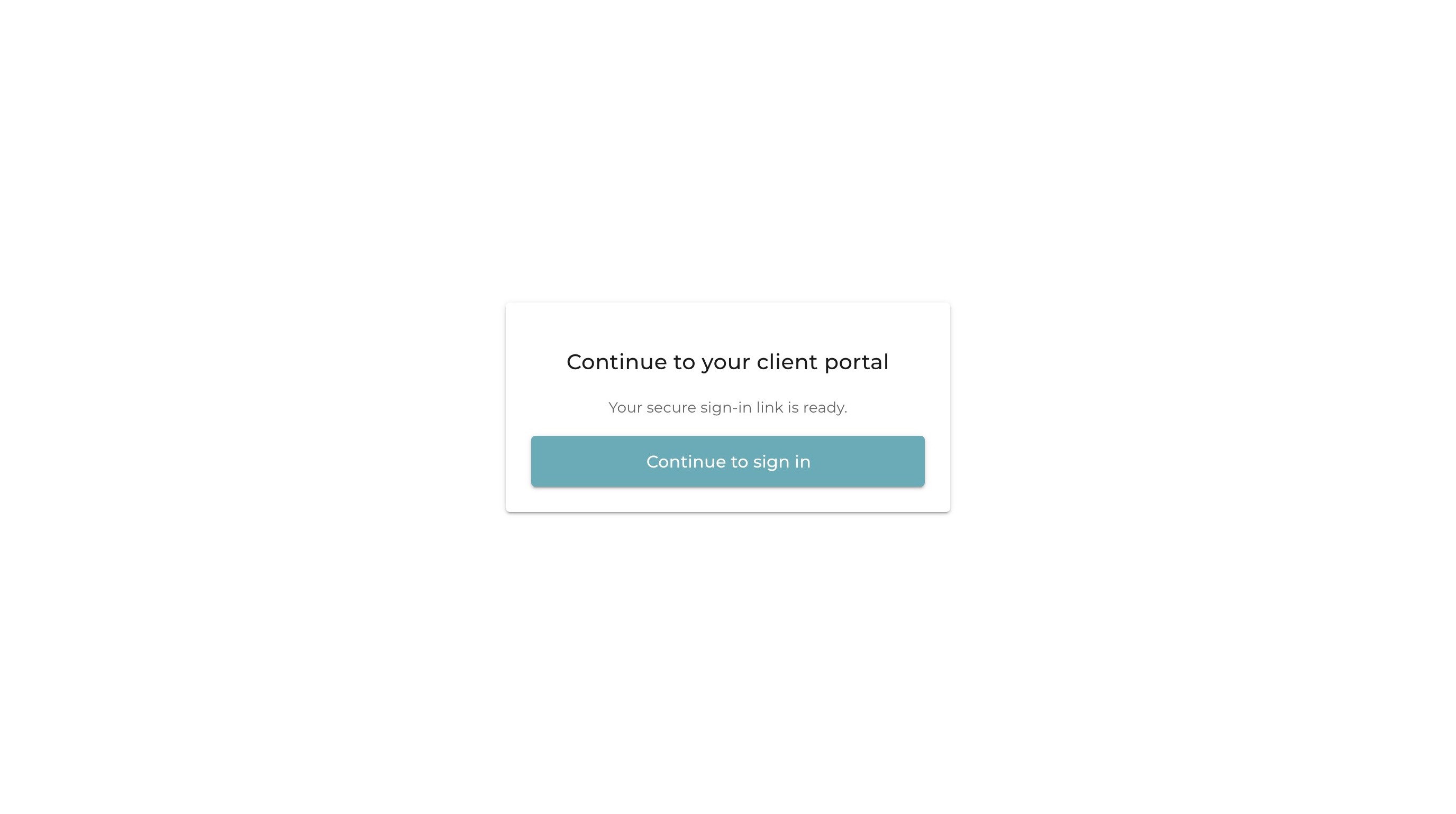
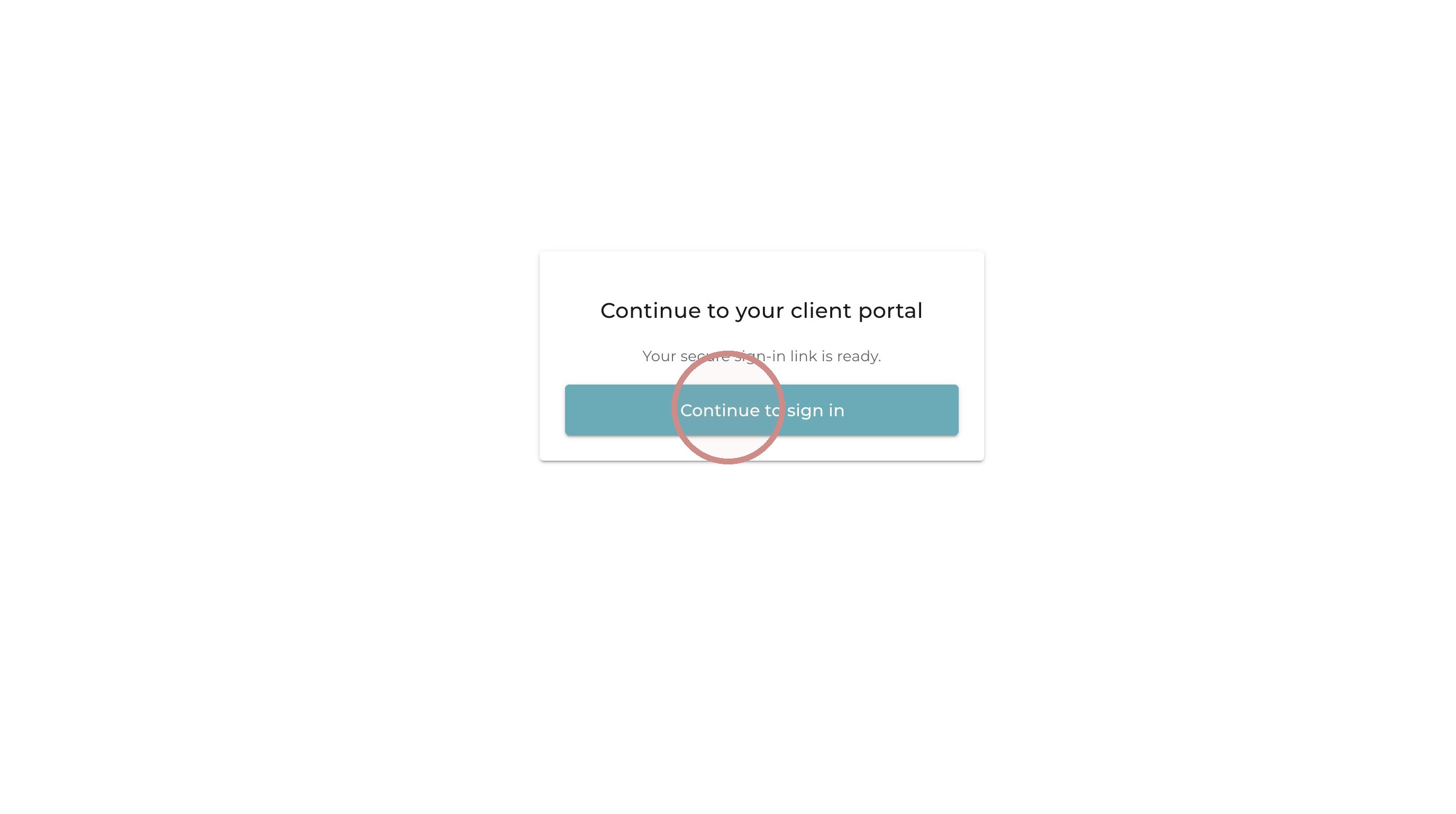
2. Click “Continue to sign in”
Payment Settings
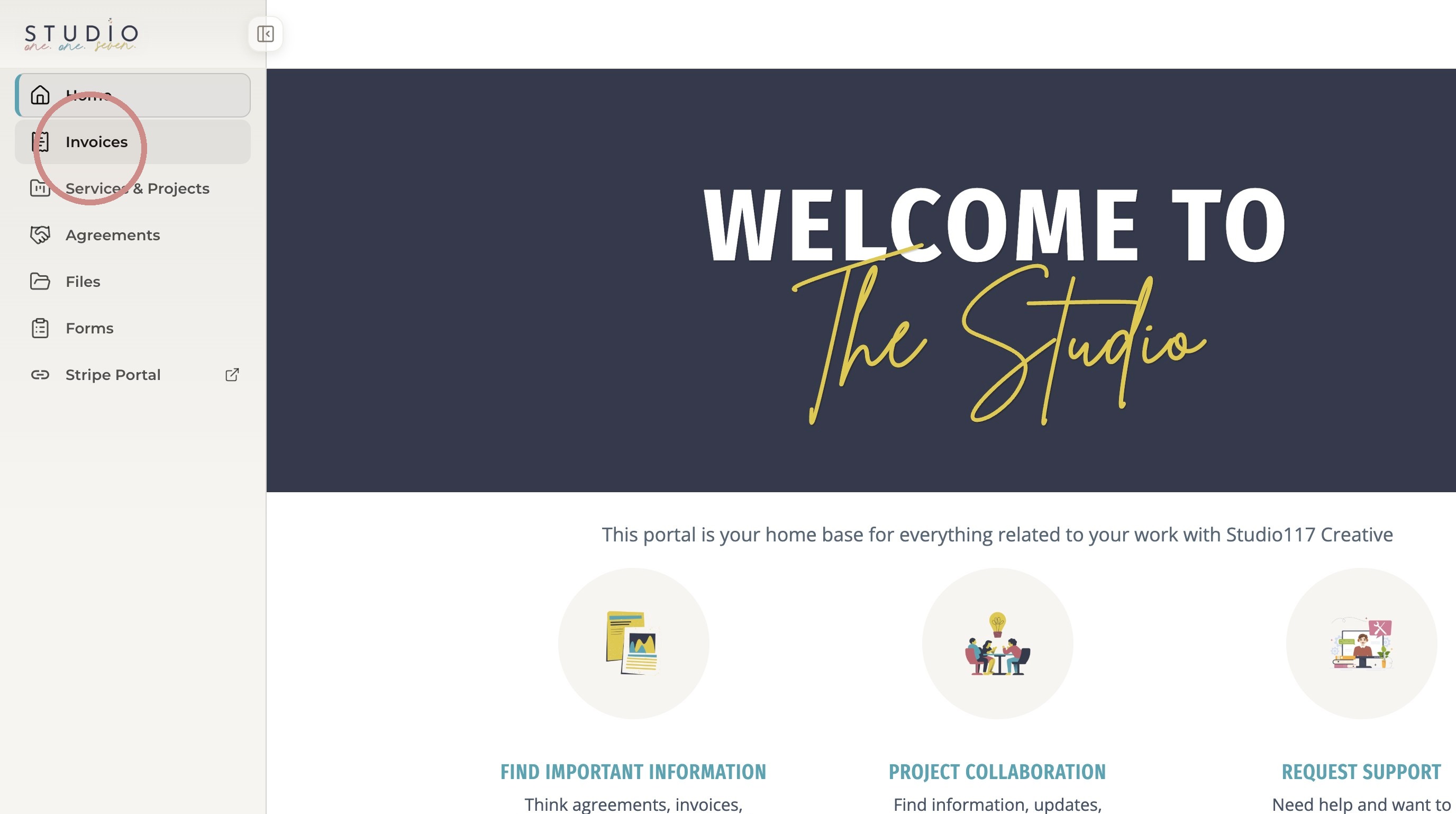
3. Click “Invoices”
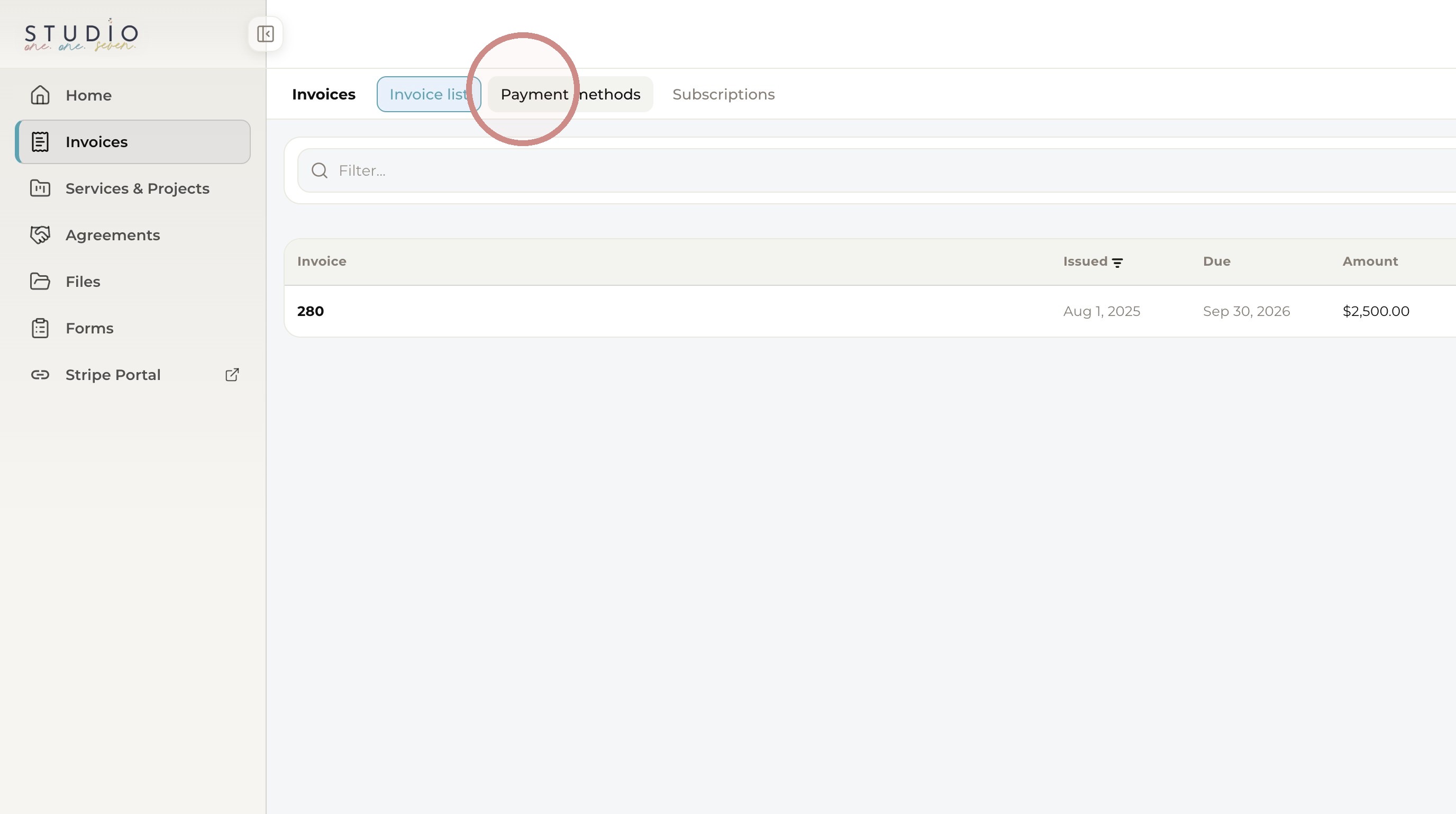
4. Click “Payment methods”
5. Click “Manage payment methods”
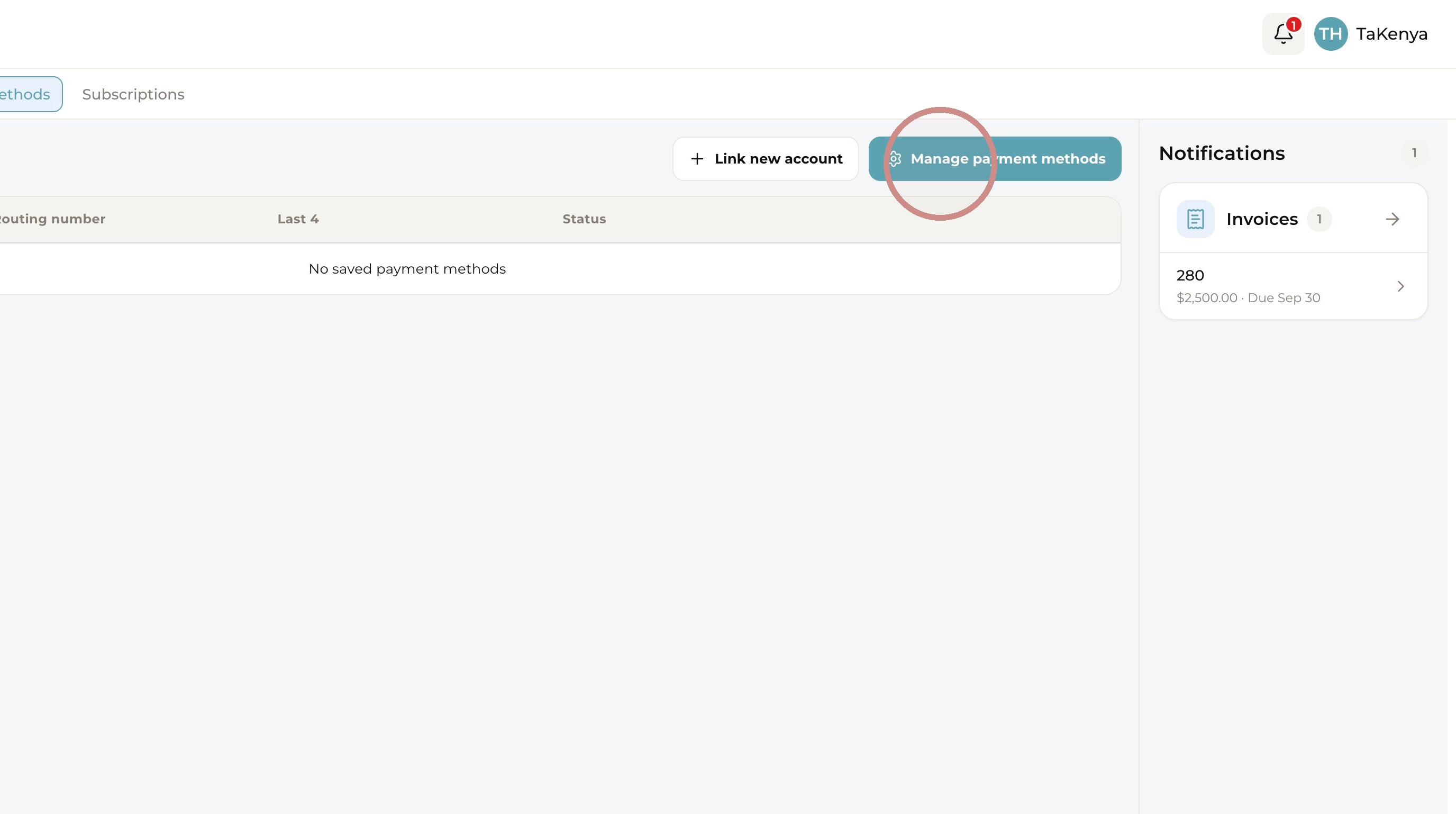
Stripe Wallet
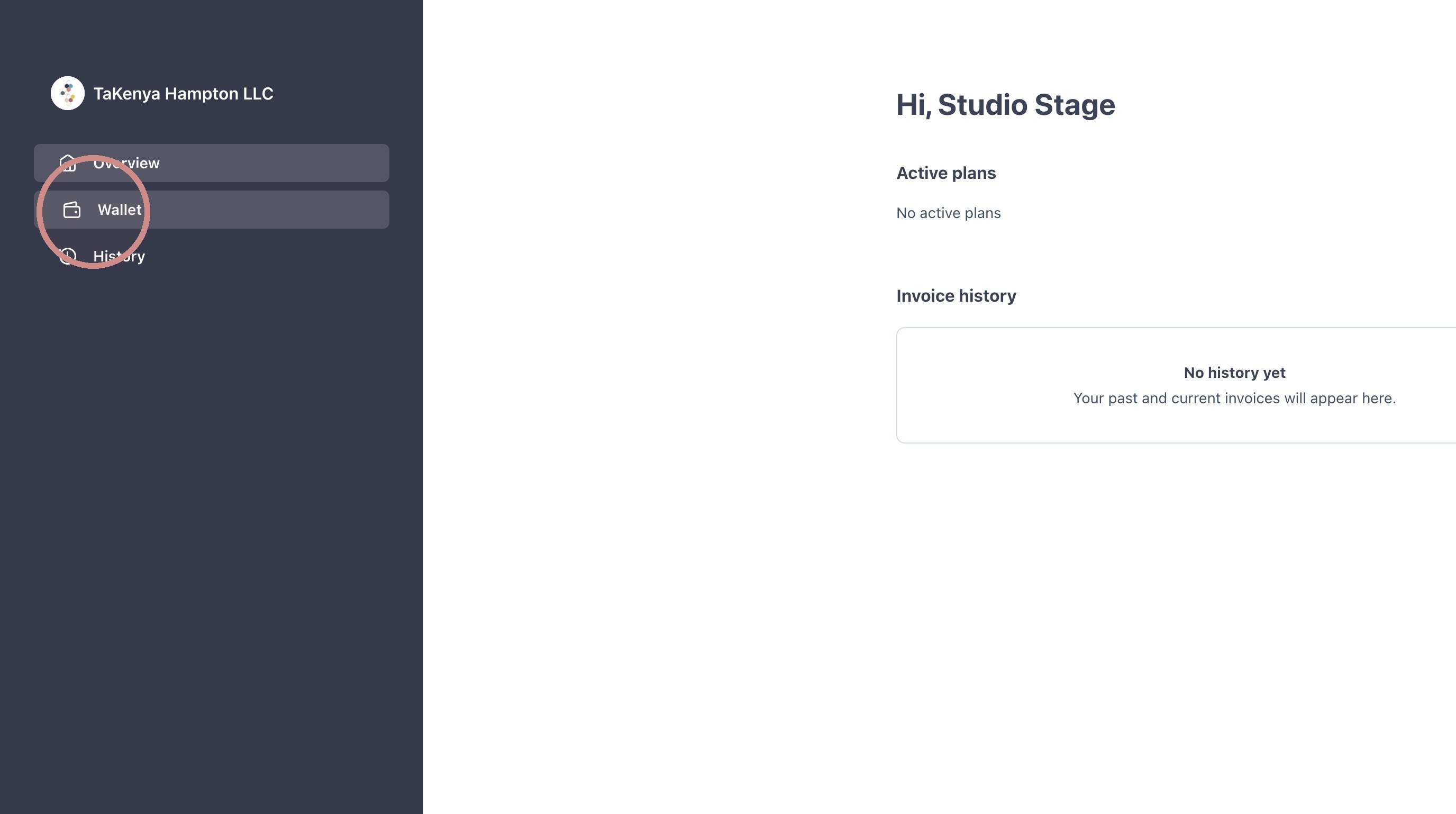
6. Click “Wallet”
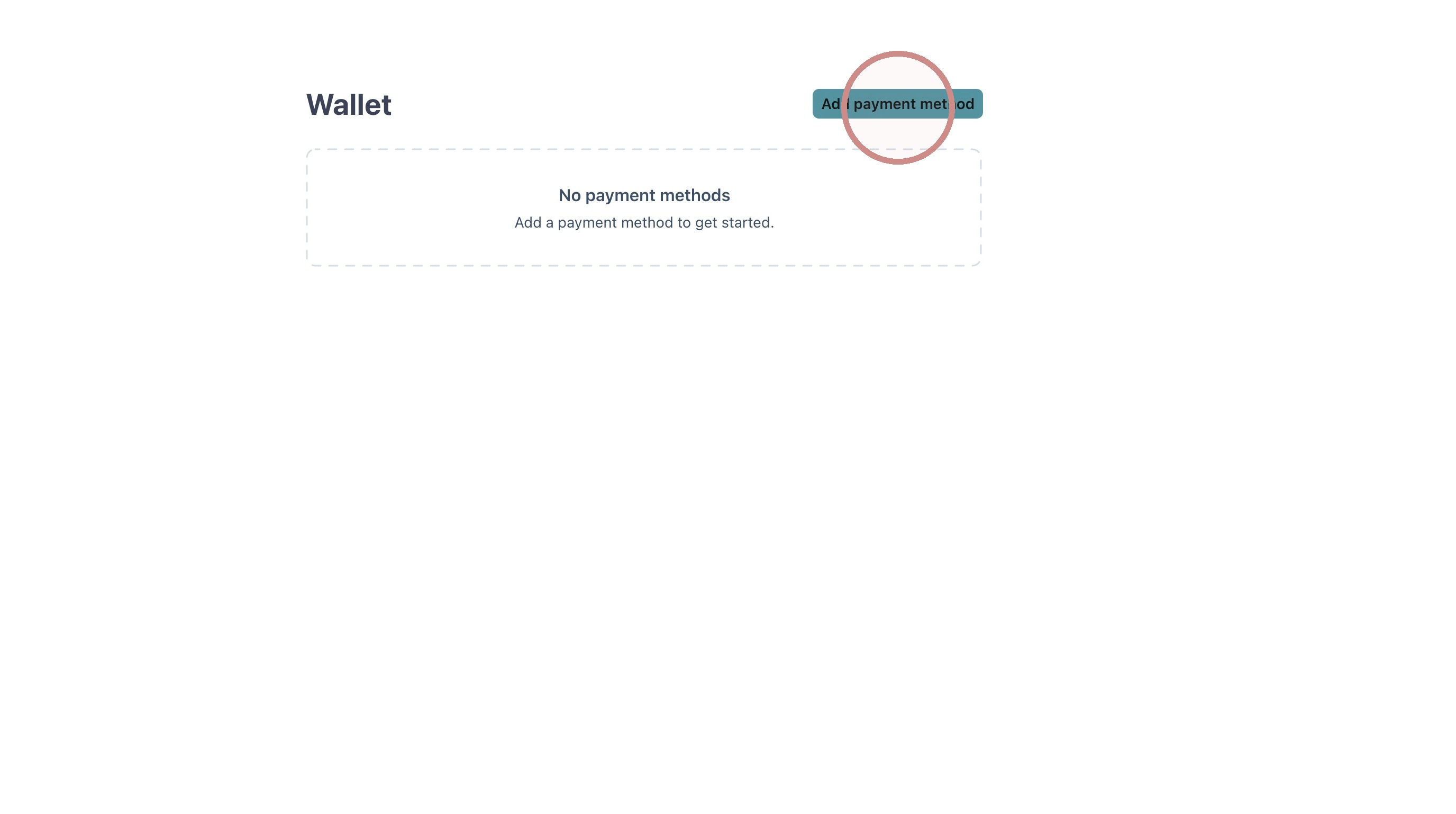
7. Click “Add payment method”
If you’re having trouble, just reach out to us directly by submitting a support ticket, and we’ll help you update your information.