
Getting Things Done with Dubsado: A Review

Written By: TaKenya
Published: April 12, 2022
Modified: October 3, 2026

Dubsado has gone through the biggest change in its history: a complete rebuild called Dubsado 3.0. So I dug back in to see what is new, what is still the same, and who this platform is the right fit for today.
If you are a service provider who wants one place to handle inquiries, proposals, contracts, invoices, and scheduling, Dubsado is absolutely worth a look. You can try it free for 21 days with no credit card, and when you are ready to subscribe, my link gets you 20% off your first month or year.
Get started with a 21-day free trial & get 20% off your first billing cycle
Ease of use
Features
Functionality
Integrations
Support/Documentation
Price/Value
Pros
Cons

The links in this post may be affiliate links. That means that if you click them and make a purchase, this site makes a commission. It will have no impact on the price you pay or the experience of your purchase.
When I first launched Studio117 Creative, Dubsado was the very first CRM I set up. Forms, contracts, scheduling, workflows, the client portal… it ran the entire back end of my business for two to three years.
My needs eventually changed and I moved on, but a lot of what I know about building client systems, I learned inside Dubsado.
Now Dubsado has gone through the biggest change in its history: a complete rebuild called Dubsado 3.0.
So I dug back in to see what is new, what is still the same, and who this platform is the right fit for today.
If you are a service provider who wants one place to handle inquiries, proposals, contracts, invoices, and scheduling, Dubsado is absolutely worth a look. You can try it free for 21 days with no credit card, and when you are ready to subscribe, my link gets you 20% off your first month or year.
Revisiting Dubsado
This post was originally written when I actively used Dubsado in my business. When I started my business, there were not nearly as many CRM options built for service providers as there are today.
Dubsado gave me a single platform to run my whole back office, and honestly, I was just happy to have everything in one place instead of juggling five different tools.
Over time, I started feeling limited by how my forms and agreements looked and functioned. I even paid for an add-on service to make them feel more branded.
Eventually my needs changed, and I moved to a platform that fit where my business was headed.
Here is what I can tell you, though… I still see a lot of people in the wild who love Dubsado and swear by it.
A quick note: my hands-on experience is with the earlier version of Dubsado. Everything about Dubsado 3.0, current pricing, and new features comes from my research into the platform as it stands today.

What Is Dubsado?
Dubsado is a client relationship management (CRM) platform built for service-based businesses.
It combines lead capture, proposals, contracts, invoicing, scheduling, automation, and a client portal into one system.
Think of it as the back office of your business. A potential client fills out your inquiry form, gets a proposal, signs a contract, pays an invoice, books a call, and receives reminders, all without you manually sending every single piece.
Who Dubsado Is For
Dubsado works best for service providers who have a repeatable client process and want to automate it. That includes:
- Designers, photographers, and other creatives
- Coaches and consultants
- Virtual assistants and online business managers
- Event planners and wedding professionals
- Bookkeepers, accountants, and other licensed service providers
Dubsado might not be the best fit if you want something you can set up in an afternoon, you need heavy project management with task dependencies, or you only need to send the occasional invoice.
In those cases, a simpler or more specialized tool may serve you better.
What’s New in Dubsado 3.0
Dubsado 3.0 started rolling out in November 2025 after more than two years of rebuilding. This is not a fresh coat of paint. The whole platform was rebuilt to be faster and easier to learn. Here are the biggest changes:
A Faster, Cleaner Interface
Pages load noticeably faster, the navigation is reorganized, and there is a quick action launcher (Command + K) so you can start almost any task in a couple of clicks.
A Real Inbox
Client emails now live in a true inbox under Messages, with AI-generated summaries that pull the important details out of long email threads. You can also move an email to the correct project if it lands in the wrong place.
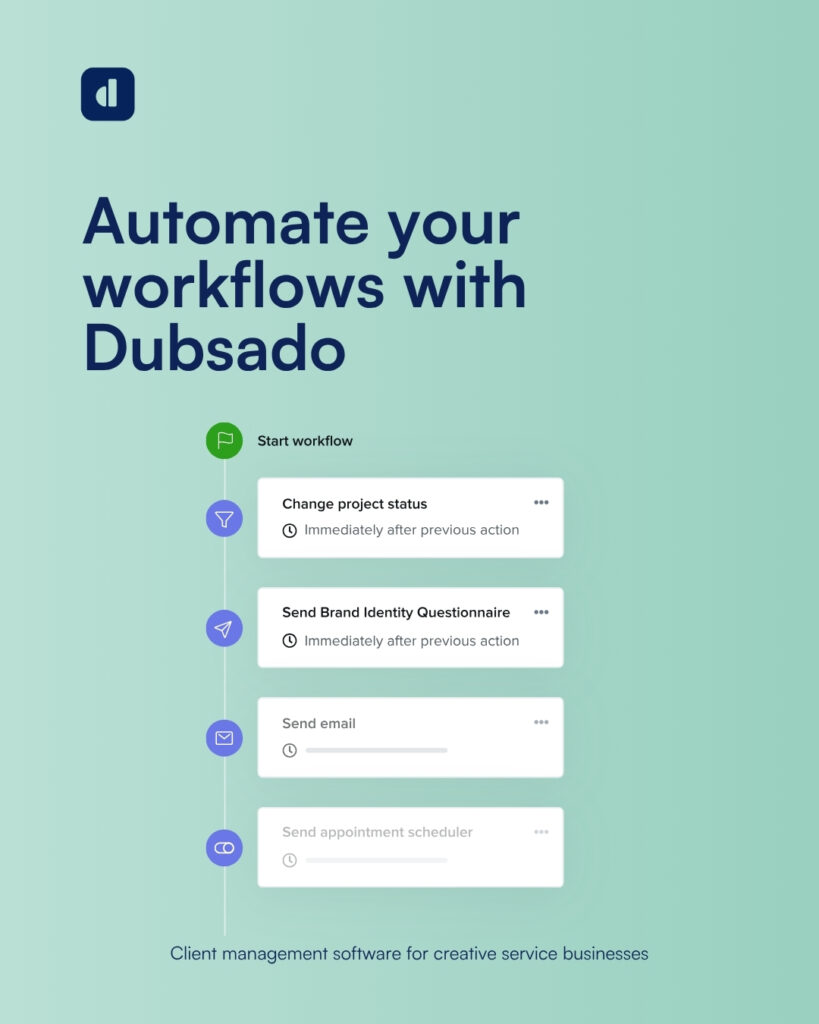
Flows (Formerly Workflows)
Automations got a visual, node-based builder. Instead of a long list of steps, you can see your entire client journey mapped out, which makes it much easier to understand what happens and when.
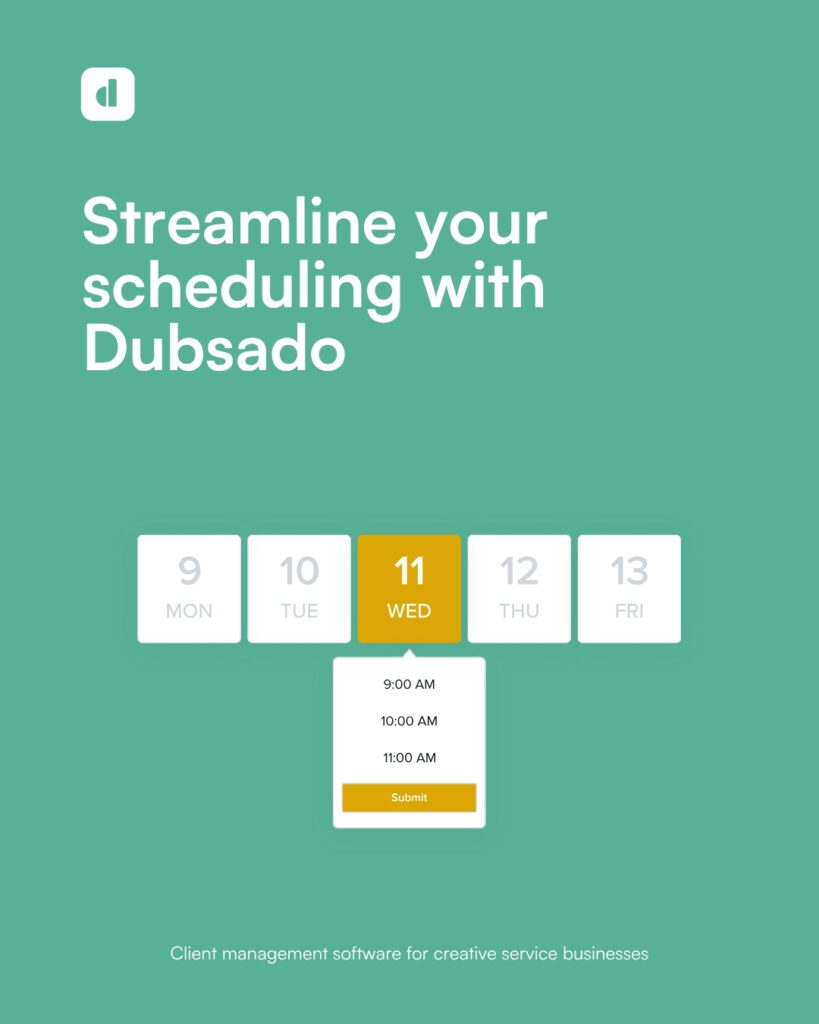
A Rebuilt Scheduler
The scheduler now looks and feels like the calendar apps you already use, with recurring availability you set once and appointments that sync to both your calendar and your client’s.
Customizable Projects Workspace
You can view projects as a table or a Kanban board, filter and sort any list, and track time from anywhere with a global time tracker in the top bar.
Easy Form Creation
This one is newer. You can generate a form from a prompt or an existing PDF, then refine it by chatting with the builder. Dubsado also maps questions to your existing client and project fields automatically. You will still use the regular builder for design, but it takes the blank page out of the equation.
Heads up: 3.0 is still finishing its rollout. Dubsado has been releasing regular updates to close the gaps with the older version, and the previous version (2.0) is being retired. If you are starting fresh, you will begin in 3.0.
Dubsado Features
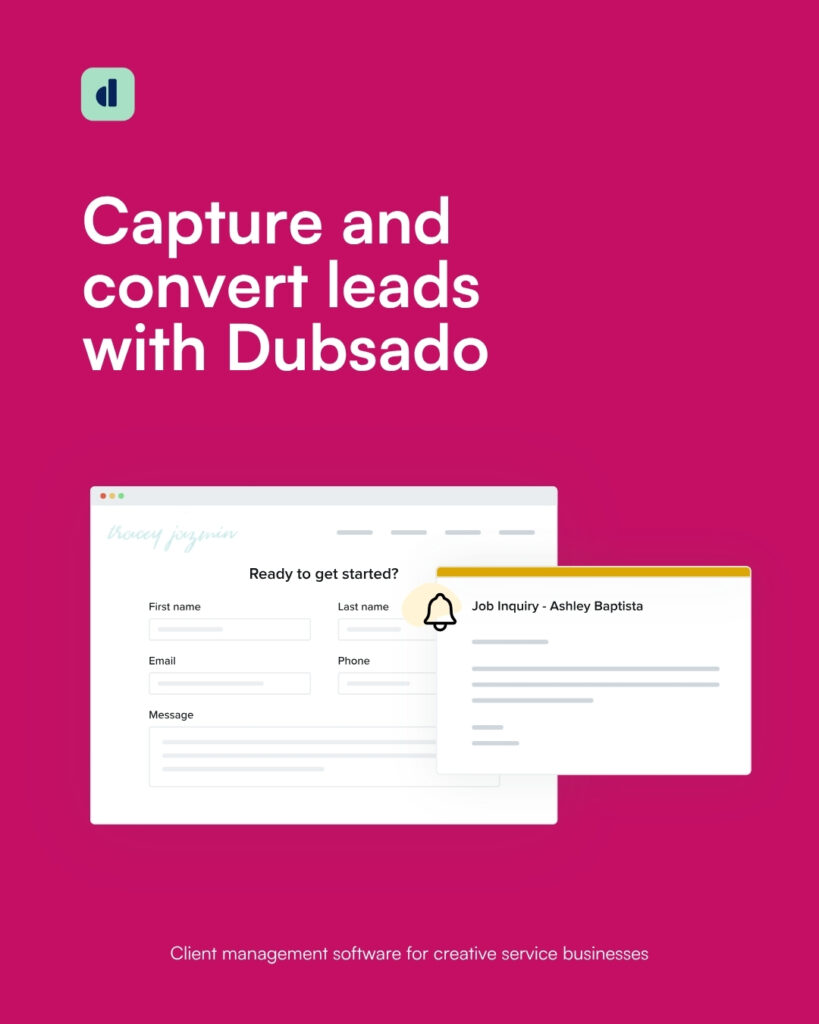
Forms, Proposals, and Contracts
Dubsado gives you five form types: lead capture forms, questionnaires, proposals, contracts, and sub-agreements.
Proposals can include packages your client selects, and contracts are legally binding with e-signatures.
Smart fields pull in client and project details automatically, so you are not retyping names and dates.
Flows (Automation)
Flows are where Dubsado really shines. You can automatically send a proposal after an inquiry, send the contract once a package is selected, trigger a welcome questionnaire after payment, and send reminders along the way.
You can also require your approval before certain steps run, so you stay in control. Flows are available on the Premier plan.
Scheduling
Set up meeting types with buffers and limits, connect your calendar to prevent double bookings, and automatically generate Zoom, Google Meet, or Microsoft Teams links. Scheduling is available on the Premier plan.
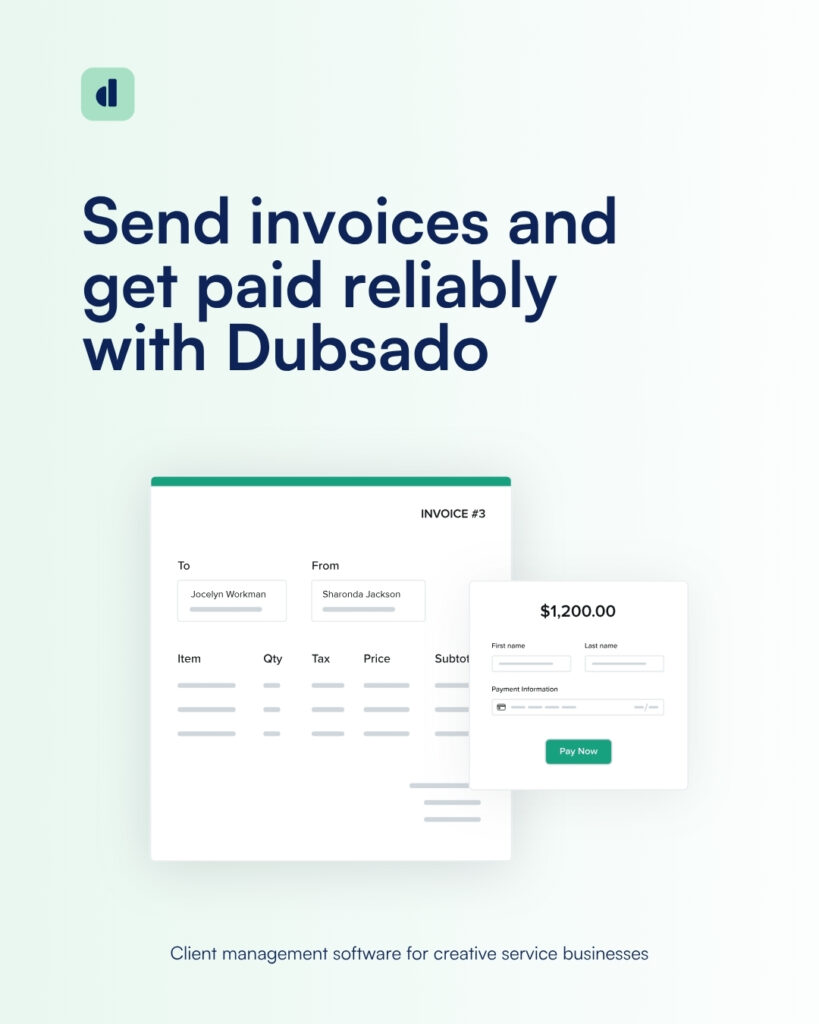
Invoicing and Payments
Create invoices, payment plans, and recurring invoices, with autopay for clients who want it. Dubsado Payments (powered by Stripe) accepts cards and ACH bank transfers, and you can also connect Square or PayPal.
Dubsado also offers buy now, pay later options and the ability to pass card fees on to your clients.
Client Portal
Every client gets their own portal where they can find their forms, contracts, invoices, appointments, and project details.
When I was using Dubsado, this was one of the features that made my business look the most polished.
Messages and Email
Connect Gmail, Microsoft 365, or another email provider so you send from your own business address. You can track opens, use email templates, and keep every conversation tied to the right project.
Multiple Brands
Running more than one business? Each brand gets its own settings, branding, and templates, and you can switch between them in a click.
Custom Domain
Connect your own domain so your client portal, proposals, contracts, and scheduler links all show your brand instead of Dubsado’s.
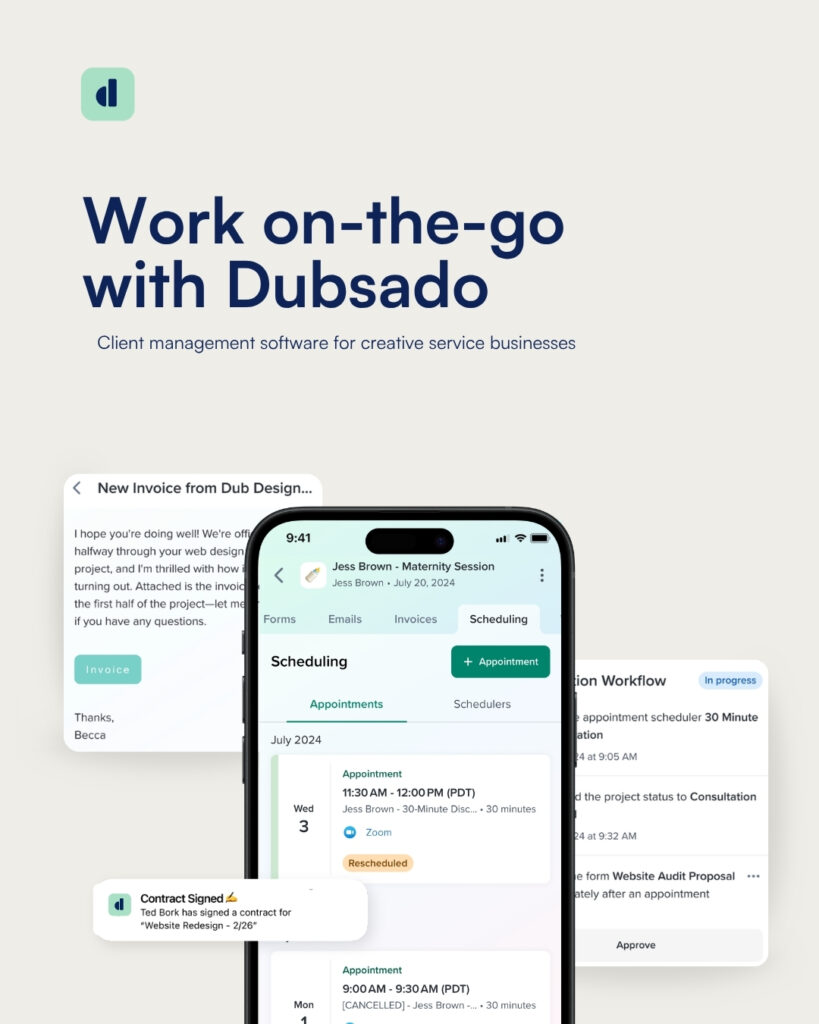
Mobile App
Dubsado now has apps for iOS and Android, so you can check on projects and respond to clients on the go. Building forms and Flows is still best done on a computer.
I will note that this not being available at the time I used it was one of the reasons I left. So I am glad to see they have this now.
Dubsado Integrations
Dubsado connects with the tools most service providers already use:
- Email: Gmail, Microsoft 365, and other SMTP connections
- Calendars and video: calendar sync, plus Zoom, Google Meet, and Microsoft Teams
- Payments: Dubsado Payments (Stripe), Square, and PayPal
- Bookkeeping: QuickBooks Online and Xero (Premier plan)
- Everything else: Zapier, which connects Dubsado to thousands of other apps (Premier plan)
Dubsado Pricing
Dubsado has two plans, and both include unlimited clients and projects. Every new account starts with a 21-day free trial with full access to the Premier plan, and no credit card is required.
| Starter | Premier | |
|---|---|---|
| Annual price | $335/year | $525/year |
| Monthly price | $35/month | $55/month |
| Unlimited clients and projects | Yes | Yes |
| Invoicing, payment plans, and client portals | Yes | Yes |
| Form and email templates | Yes | Yes |
| Active lead capture forms | 1 | Unlimited |
| Scheduling | No | Yes |
| Flows (automation) | No | Yes |
| Public proposals | No | Yes |
| QuickBooks and Xero | No | Yes |
| Zapier | No | Yes |
Add-ons: Each additional brand is $10 a month. Your first three team members are included, and additional users are priced in tiers starting at $25 a month for 4 to 10 users.
Payment processing: Dubsado does not add its own fee on top of your payment processor.
With Dubsado Payments, standard US card rates are 2.9% plus 30 cents, and ACH payments are 0.8% capped at $5, which is a big deal if you bill larger projects.
What that means for you: if you want automation and scheduling (and most service providers do), plan on the Premier plan. Starter works if you are just getting started and sending things manually.
What I Love About Dubsado
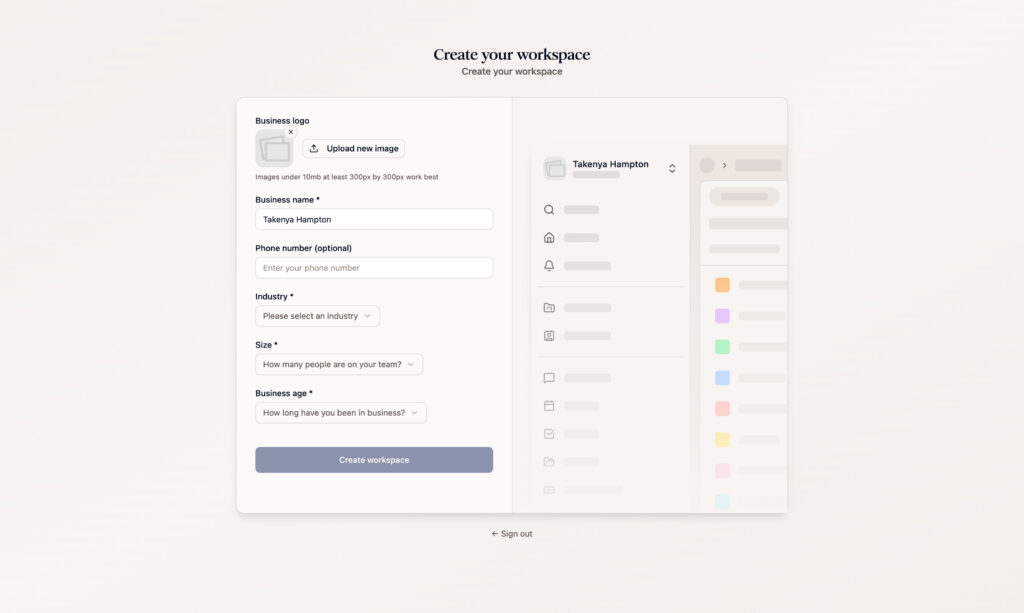
It Really Can Run Your Whole Back Office
Inquiry, proposal, contract, invoice, scheduling, onboarding questionnaire, and client portal all live in one system. When I was starting out, having everything in one place gave me so much peace of mind.
The Automation Is Seriously Powerful
Once your Flows are set up, your client experience runs consistently whether you are at your desk or not.
The new visual builder in 3.0 makes it much easier to see how everything connects.
Your Clients Get a Polished Experience
Between the client portal, branded forms, and custom domain, your clients get a professional, organized experience from the first inquiry to the final invoice.
No Markup on Payments
Dubsado does not take a cut of your payments beyond your processor’s fees, and the $5 cap on ACH payments can save you real money on larger invoices.
Your Team Can Come Along
Three users are included on both plans, so a small team or an assistant does not cost extra.
3.0 Is a Real Upgrade
Faster pages, a real inbox, better filtering, Kanban views, and easier form creation address a lot of the clunkiness people complained about in the older version.
The Community Is Strong
Dubsado users are loyal, and there is a whole network of certified Dubsado specialists who can build your setup for you if you would rather not do it yourself.
Where Dubsado Falls Short
The Learning Curve Is Real
Dubsado is flexible, and flexibility means configuration. Building out your forms, packages, and Flows takes time, and it took me a while to get my setup right.
Plan for several focused work sessions, not one afternoon.
Form and Contract Design Still Takes Extra Work
This was the big one for me. Advanced styling still relies on custom CSS, and Dubsado’s support team does not help with CSS issues. There is also no built-in conditional logic for showing or hiding form fields based on answers.
I ended up paying for a separate add-on when I used it just to make my forms and agreements look and feel more on brand.
Dubsado has added more font options and easier form creation in 3.0, but if highly designed, dynamic forms matter to you, test this during your trial.
The Starter Plan Leaves Out a Lot
Scheduling, Flows, Zapier, bookkeeping integrations, and multiple lead capture forms are all Premier features. For most businesses, Starter is a stepping stone, not a long-term plan.
Prices Went Up
New subscribers now pay more than they did before December 2025. Dubsado is still competitive for what you get, especially with three users included, but it is no longer the budget option it used to be.
3.0 Is Still Settling In
Dubsado has been releasing steady updates to bring 3.0 up to speed with the older version. That is a good sign, but you may run into the occasional rough edge while the rollout wraps up.
Final Verdict: Is Dubsado Worth It?
Dubsado earns a 4 out of 5 from me. It is one of the most complete all-in-one CRMs for service providers, the automation is excellent, and the 3.0 rebuild fixes a lot of what used to make it feel clunky.
It is not the right fit for everyone. If you want something plug-and-play, or beautifully designed forms with conditional logic are a must, you will want to test those areas carefully.
But if you are willing to invest some time up front, Dubsado can take a huge amount of admin off your plate.
And as always, you know your business best. Use the free trial to see how Dubsado fits the way you actually work, and make the decision that makes sense for you.
Ready to see if Dubsado is right for your business? Start your free 21-day trial, and use my link to get 20% off your first month or year when you subscribe.
Overall rating

TaKenya Hampton
Founder of Studio117 Creative, a woman-owned WordPress web design and support agency in Raleigh, NC, and the girl behind the stove and drill at the Kenya Rae Blog. A lover of WordPress and systems, I help small business owners build strategic digital foundations through web design, tech strategy, and business coaching. My goal is simple: make things look good, work well, and help business owners reach their full potential. If it helps your business run smoother and grow stronger, that is what I do.