Do Online Businesses Actually Need a Google Business Profile?

Written By: TaKenya
Published: July 20, 2026
Modified: September 27, 2026

The links in this post may be affiliate links. That means that if you click them and make a purchase, this site makes a commission. It will have no impact on the price you pay or the experience of your purchase.
You may be wondering, “Do I need a Google Business Profile if I have an online business?”
Or you have probably come across the advice to set up a Google Business Profile and immediately thought, “That is not for me.” I do not have a storefront. I work from home. My clients are not local. Why would I need to show up on Google Maps?
I hear this all the time, and I get it.
On the surface, a Google Business Profile looks like a tool built for brick and mortar businesses. But that assumption is costing a lot of online business owners real visibility and real credibility. Let me explain why.
Where This Assumption Comes From
The confusion makes sense when you look at how GBP presents itself during setup.
It asks for an address, shows up on Maps, and uses language like “storefront” and “service area.”
All of that signals local, physical business, and if your business does not fit that description, it is easy to assume the whole thing does not apply to you.
But here is what is important to understand: a Google Business Profile is not just a location tool. It is a legitimacy tool. And that distinction changes everything.
What Google Is Actually Using Your GBP For
When Google sees a complete, verified Google Business Profile, it is not just thinking about where to put you on a map. It is using that profile as evidence that your business is real, active, and trustworthy.
Think about it from Google’s perspective. Anyone can build a website. But a verified GBP with a complete profile, real reviews, and consistent information across the web?
That takes time and intention. Google treats that combination as a signal that your business is established and worth surfacing in search results.
That matters whether you have a storefront or not. An online business coach, a virtual bookkeeper, a freelance designer, and a digital strategist all benefit from that layer of credibility, even if their clients never set foot in a physical location.

How Online Businesses Show Up in Search With a GBP
Let me walk you through exactly what this looks like in practice.
When someone searches for “online business coach,” “virtual web designer,” or “freelance copywriter,” those searches are not strictly location-based.
Google pulls from a mix of sources to determine what to show, and a well-optimized GBP is one of them.
Your profile can help you show up for searches like these because it gives Google more complete information about what you do, who you serve, and that your business is active and legitimate.
It adds a layer of visibility that your website alone may not provide, especially when potential clients are comparing their options and your profile shows up alongside your reviews and business details right there in the search results.
For more on how GBP and your other digital platforms work together rather than in competition, [Link: The Free Google Tool That Works Harder Than Your Social Media] is a good place to start.
The Service Area Business Setup
Now let me address the most common barrier that stops online and home based business owners from setting up a GBP: the address question.
You do not have to list your home address publicly.
Google has a business type called a Service Area Business, or SAB, that is designed exactly for businesses like yours.
When you set up your profile as an SAB, you can hide your physical address entirely and instead list the cities, regions, or areas you serve.
So if you are a virtual assistant based in Atlanta who works with clients across the country, you can list your service area as broadly or as specifically as makes sense for your business, without ever making your home address visible to the public.
The way this works in setup is straightforward.
When Google asks for your business type during profile creation, you choose Service Area Business instead of Storefront. From there you list your service area and skip the public address. That is it.
Your profile works exactly the same way as any other GBP, just without a pin on the map pointing to your house.
The Credibility Factor
Let me share something I see play out regularly with online business owners. A potential client finds you through a referral or on social media.
They are interested. So they do what most people do before reaching out: they Google your business name.
What do they find?
If you have a complete, verified GBP with reviews and active posts, they see a professional, established business.
They see what other clients have said about working with you.
They see your hours, your website link, and confirmation that your business is real.
That snapshot builds trust before you ever get on a call with them.
If you do not have a GBP, or if your profile is incomplete, that moment of research leaves them with less to go on. And in a world where clients have plenty of options, less information often means less confidence, which means they move on.
Your website does a lot of that trust-building work, but a GBP adds a layer that a website cannot replicate: third party validation from Google itself and from the clients who have reviewed you.
If you want to make sure your profile is set up to do that job well, it also helps to know what mistakes to avoid from the start. 5 Mistakes Small Business Owners Make With Their Google Business Profile covers the ones that most commonly trip people up.
So Do You Actually Need One?
Yes. The answer is yes.
If people search for what you do, you need to show up where they are searching.
A Google Business Profile is one of the most effective and most underused tools available to online business owners, and the best part is it is completely free.
You do not need a storefront. You do not need to make your home address public. And all you need to do is set it up the right way and keep it active.
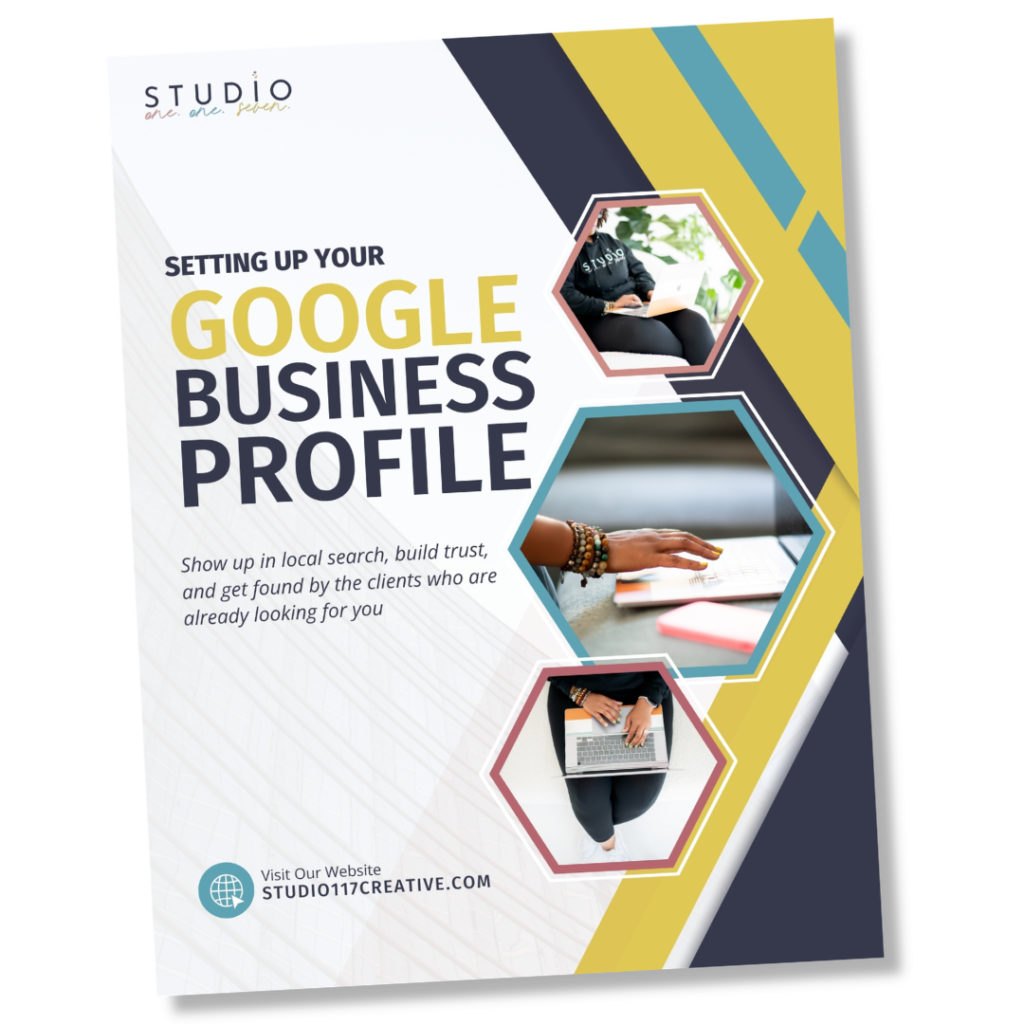
I put together a free step by step guide that walks you through the whole process, including how to set up your profile as a Service Area Business so your address stays private.
Download Now
The Google Business Profile Setup Guide
It covers everything from claiming your listing to writing your business description to getting your first reviews.