5 Mistakes Small Business Owners Make With Their Google Business Profile

Written By: TaKenya
Published: July 17, 2026
Modified: September 27, 2026

The links in this post may be affiliate links. That means that if you click them and make a purchase, this site makes a commission. It will have no impact on the price you pay or the experience of your purchase.
Setting up a Google Business Profile is one of the smartest moves a small business owner can make.
It is free, puts you directly in front of people who are already searching for what you offer. When done right, it works for your business around the clock.
The catch?
A lot of business owners set it up and either walk away or make a few key mistakes that quietly limit how well the profile performs. And because GBP runs in the background, those issues can go unnoticed for months.
Let me walk you through the five mistakes I see most often. And you can make sure your profile is actually doing its job.
If you are just getting started and want to understand what a Google Business Profile is and why it matters before diving into what not to do, The Free Google Tool That Works Harder Than Your Social Media is a great place to start.
Mistake 1: Leaving Your Profile Incomplete
An incomplete profile is one of the most common issues I come across.
It is also one of the most damaging.
Google rewards complete profiles with better visibility.
The more information you provide, the more confidence Google has that your business is real and established. AND the more likely it is to surface your listing in search results.
The way this works is that Google scores your profile completeness behind the scenes.
Every section you skip is a missed opportunity, not just for ranking, but for conversion.
A potential client who lands on your profile and finds missing hours, no photos, and a vague description is going to have a harder time deciding to reach out.
The sections people most commonly skip are the business description, the services section, and the photos.
All three matter. Your description tells Google and potential clients what you do and who you serve.
Your services section helps you show up for more specific searches. And your photos are often the first impression someone gets of your business.
Go through your profile right now and fill in every section completely.
If you are not sure what to write in your business description, a good starting point is to answer three questions:
- What do you do?
- Who do you serve?
- Where do you serve them?
Mistake 2: Choosing the Wrong Business Category
Your primary business category is one of the most important ranking factors in your entire profile, and it is also one of the most misunderstood.
The reason this matters so much is that Google uses your category to determine which searches your listing is relevant for.
If your category does not accurately reflect what you do, you could be invisible to the exact people you want to reach. Even if everything else on your profile is perfect.
The thing you need to understand is that Google has hundreds of specific categories to choose from, and the more precise you can be, the better.
For example, if you are a business coach, “business coach” is a more effective category than something broad like “consultant.”
If you offer web design specifically for small businesses, there may be a category that better reflects that than a general “web designer” label.
You can also add secondary categories to capture more searches beyond your primary offering.
If you offer both web design and digital marketing strategy, adding a secondary category for the latter helps you show up for both.
Start typing your primary service into the category field and let Google suggest options.
Spend a few minutes exploring what is available before you settle on your selection.
Mistake 3: Keyword Stuffing Your Business Name
I want to talk about this one directly because it is a shortcut that can do serious damage to your profile.
Keyword stuffing means adding extra words to your business name field to try to rank for more searches.
For example, listing your business as “Studio117 Creative Web Design SEO Small Business” instead of just “Studio117 Creative.”
The reasoning behind it makes sense on the surface.
More keywords in your name means showing up for more searches, right?
The reality is that this practice is against Google’s guidelines, and Google can and does suspend listings for it.
A suspended profile means you disappear from search entirely. Which is far worse than not ranking for a few extra keywords.
Your business name in your GBP should match your real business name exactly. That means the same way it appears on your website and everywhere else you are listed online.
That consistency is a trust signal that protects your listing from being flagged.
If you want to rank for more specific terms, the right place to do that is in your business description and your services section. That is where keyword-rich content is both appropriate and effective.
Mistake 4: Ignoring Reviews or Not Having Any
Let me be direct about this one: reviews are not optional if you want your profile to perform.
Reviews are a ranking signal. Google uses the quantity, quality, and recency of your reviews to help determine where your listing appears in search results.
A profile with no reviews or with unanswered reviews will consistently underperform a profile that is actively building and responding to its review base.
I hear business owners say they do not want to ask for reviews because it feels awkward or pushy.
Here is what I can tell you after working with small business owners for years: most satisfied clients are happy to leave a review.
They just never think to do it unless someone asks.
The ask does not have to be complicated. A simple message at the end of a project, a follow up email, or a link shared after a great experience is usually all it takes.
The other piece of this is responding to every review you receive, not just the negative ones.
Responding to positive reviews shows appreciation and reinforces the relationship. Responding professionally to negative reviews shows potential clients that you handle feedback with care and take your client relationships seriously.
Make reviewing easy by saving your Google review link in a place you can access so you can share it quickly when the moment is right.
Mistake 5: Setting It Up and Walking Away
This is probably the most widespread mistake of all, and the one that surprises business owners the most when I point it out.
A lot of people treat their Google Business Profile like a one time task.
Set it up, check the box, move on.
The reality is that Google considers whether your profile is active or dormant, and an inactive profile consistently loses ground to regularly updated ones.
Staying active does not have to be complicated or time consuming. Ask yourself: what does consistent activity look like in practice?
Publishing a Google Post two to four times a month to share updates, offers, or tips.
Adding new photos regularly, even just one or two per month, to signal that your business is current. It looks like keeping your hours accurate, especially around holidays.
And it looks like responding to reviews as they come in, rather than letting them sit unanswered.
Each of these actions individually are small. Together, they tell Google that your business is active, engaged, and worth surfacing to people who are searching.
The Bottom Line
A Google Business Profile is one of the most powerful free tools available to small business owners.
But an incomplete, incorrectly set up, or inactive profile is not going to deliver the results you are looking for.
The good news is that every single one of these mistakes is fixable.
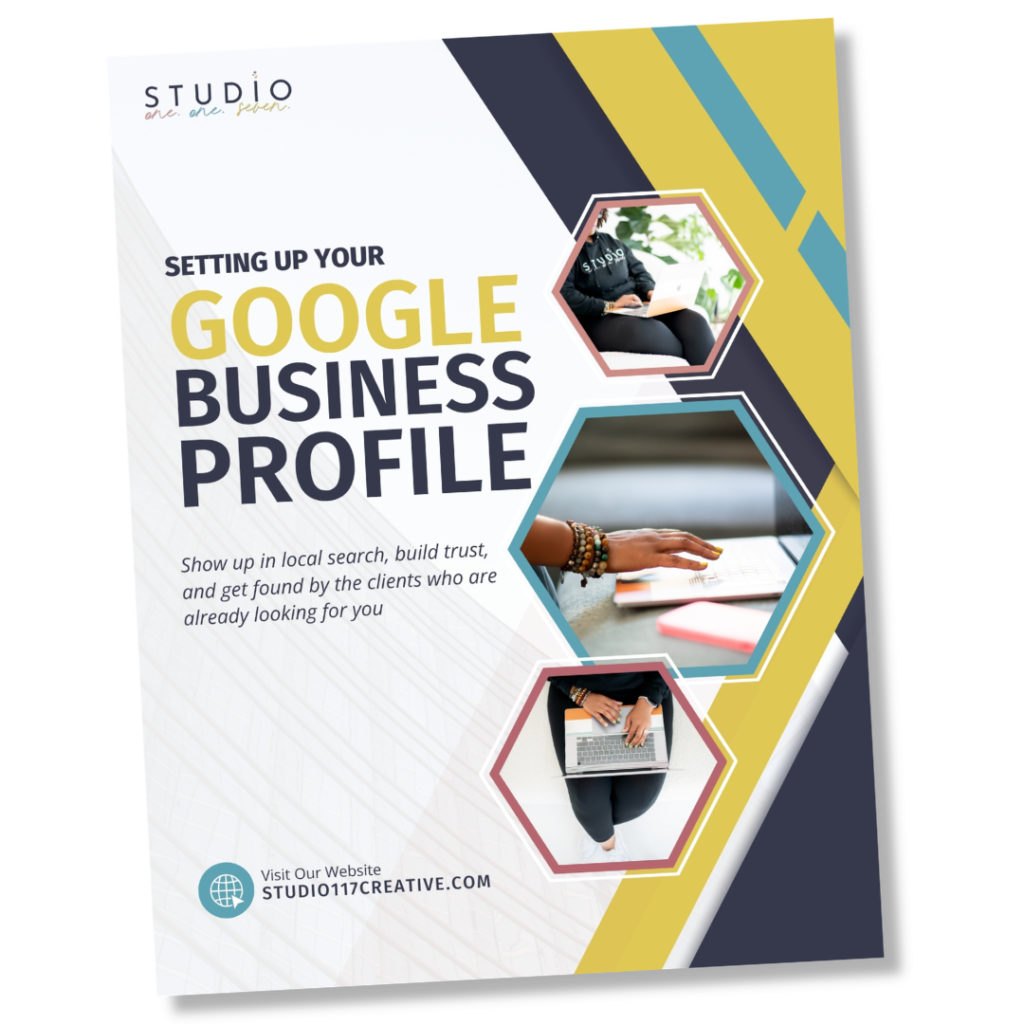
And if you want to make sure you are building your profile on a solid foundation from the start, I put together a free step by step guide that walks you through the entire setup process the right way.
Download Now
The Google Business Profile Setup Guide
Also, if you have been wondering whether a GBP is even relevant for your business because you serve clients virtually or do not have a physical location, Do Online-Only Businesses Actually Need a Google Business Profile? answers that question directly.
Lastly, if your profile is set up but you are still not showing up in search, Why Your Business Is Invisible on Google (And How to Fix It) walks through the most common reasons why and what to do about it.